The Ultimate
Wishlist Application

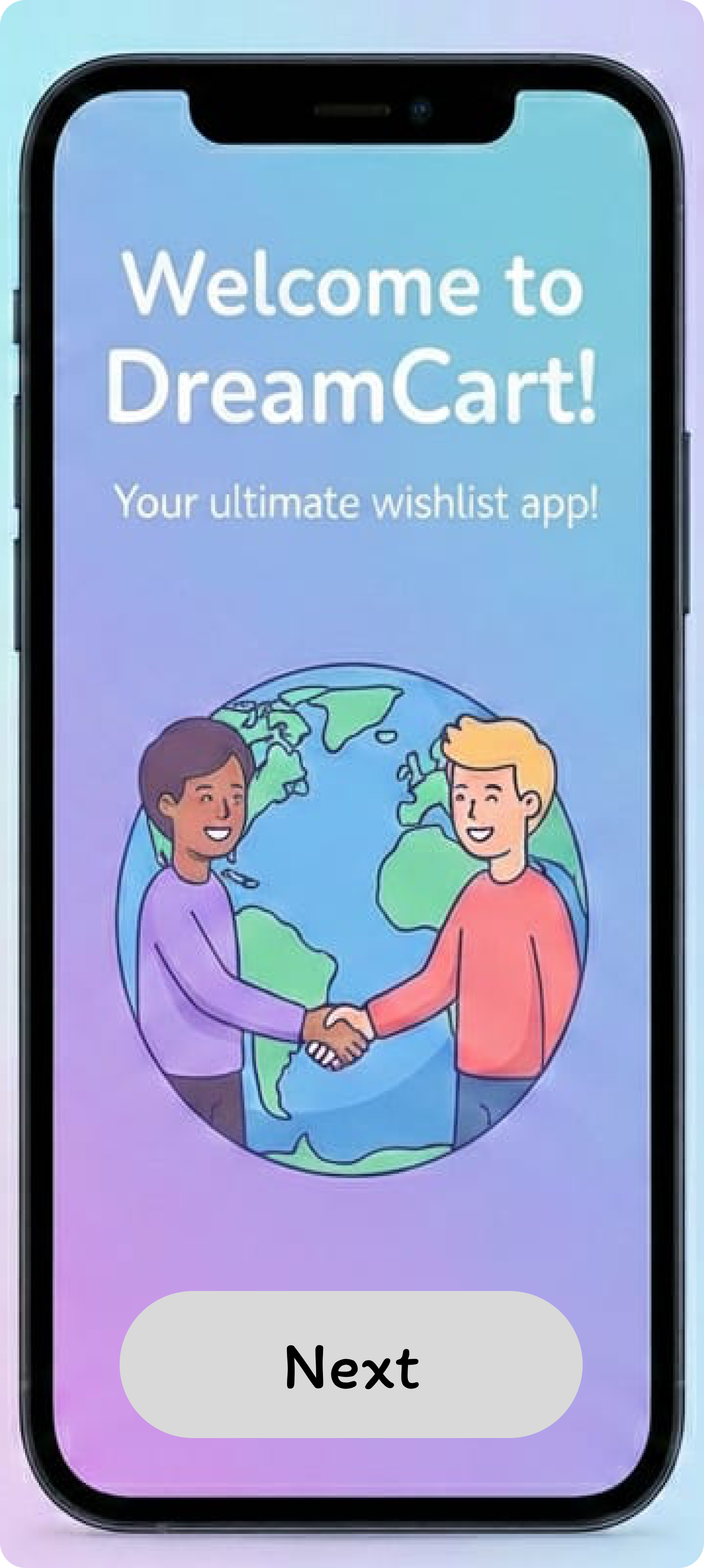
Make your shopping experience pleasurable and organized. Search products, track gifts, and never lose your ideas again.

Explore Features
Kotlin Native Android Studio ROOM Database JetPack Compose

The Problem

Remember those times when you had to keep 20 tabs open just so you didn't forget your product ideas? It leads to clutter, lost data, and a stressful shopping experience.

The Solution

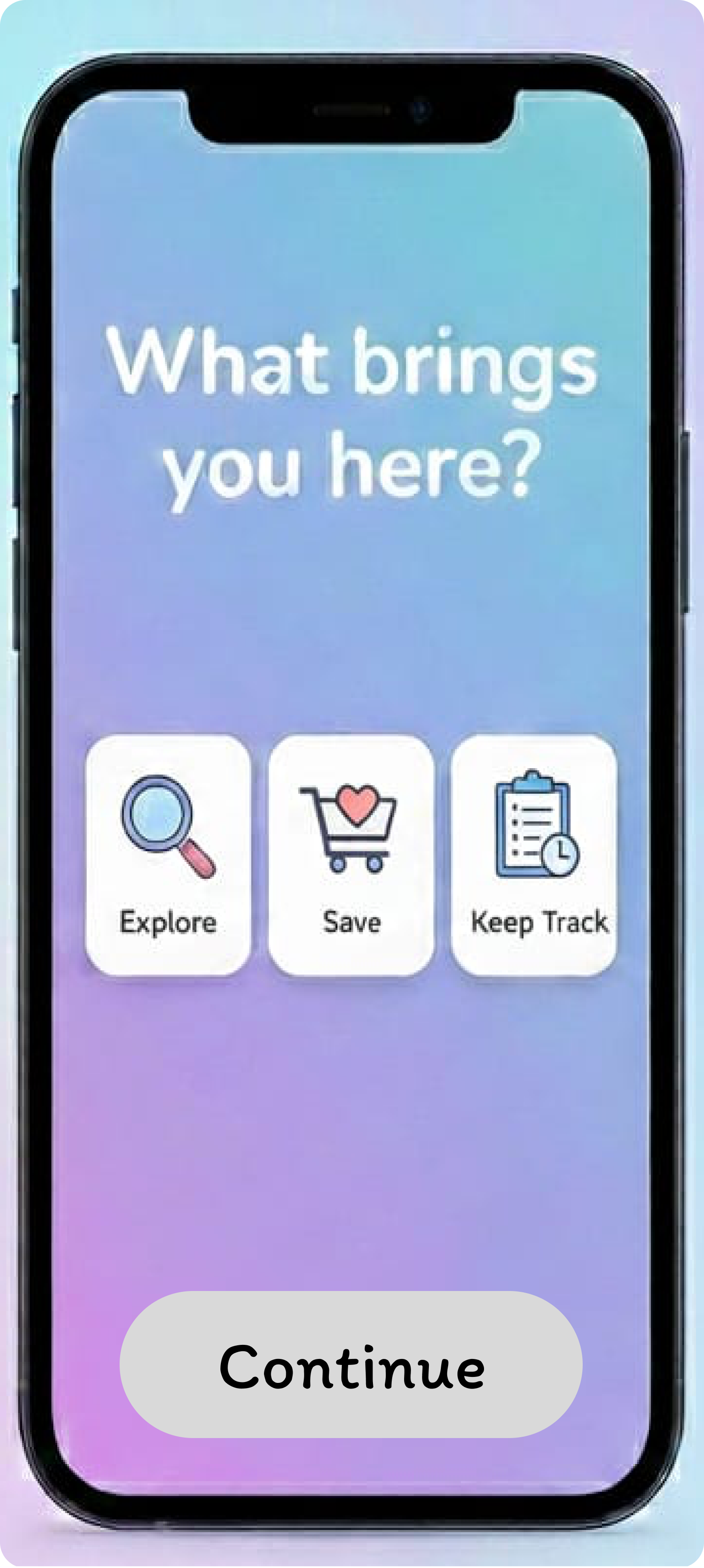
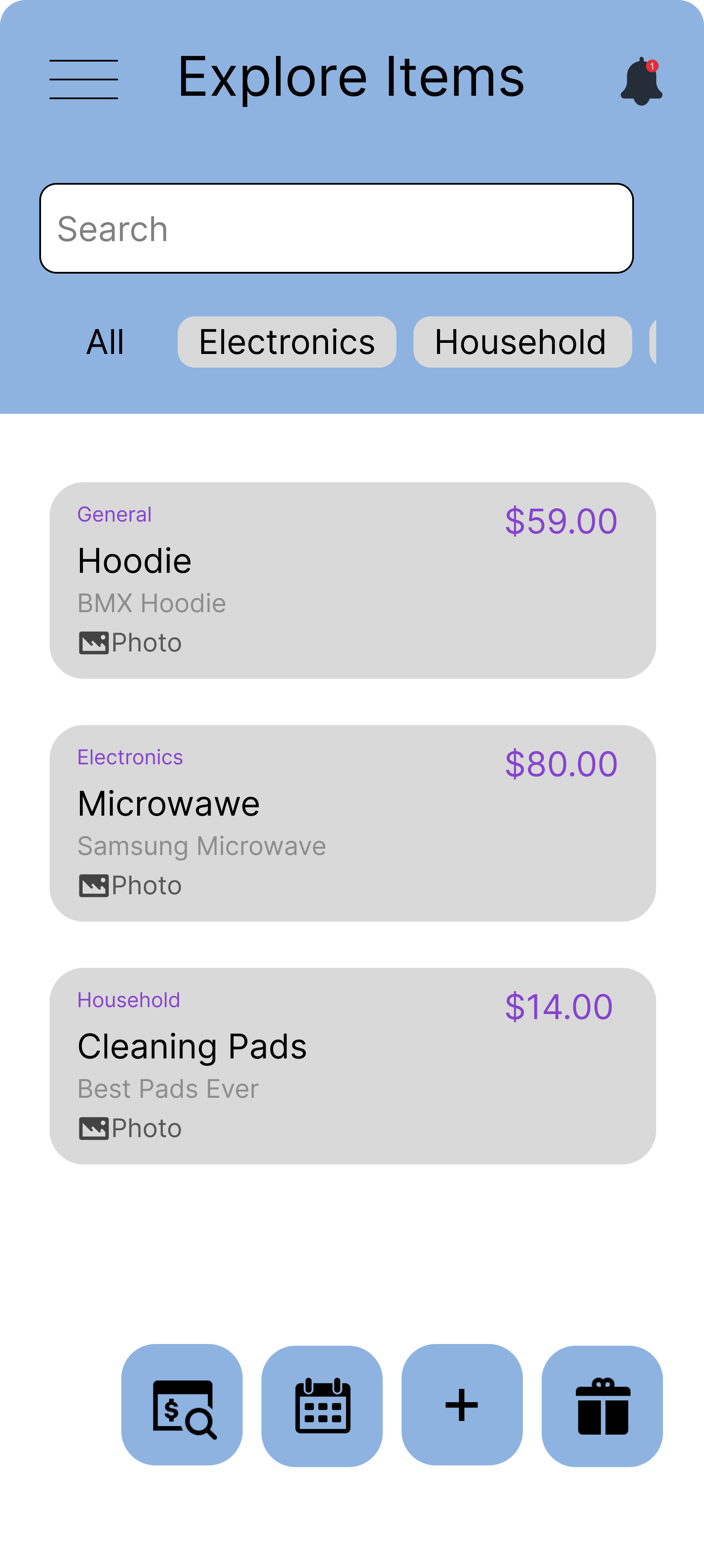
With DreamCart, you can search existing products, save them to your library, and even manually add products from other websites via URL. All information is saved securely to our database, so your data is never lost, even if you close your browser or restart your phone.

Target Audience

Designed for the modern online shopper. Age is irrelevant. If you value privacy, efficiency, and organization, DreamCart is for you.

  • ✔ Mobile-first users
  • ✔ Gift buyers & planners
  • ✔ Privacy-focused individuals

Minimalist & Powerful

We combined a beautiful UI with the robust features you need to manage your shopping life.

🔍

Search & Save

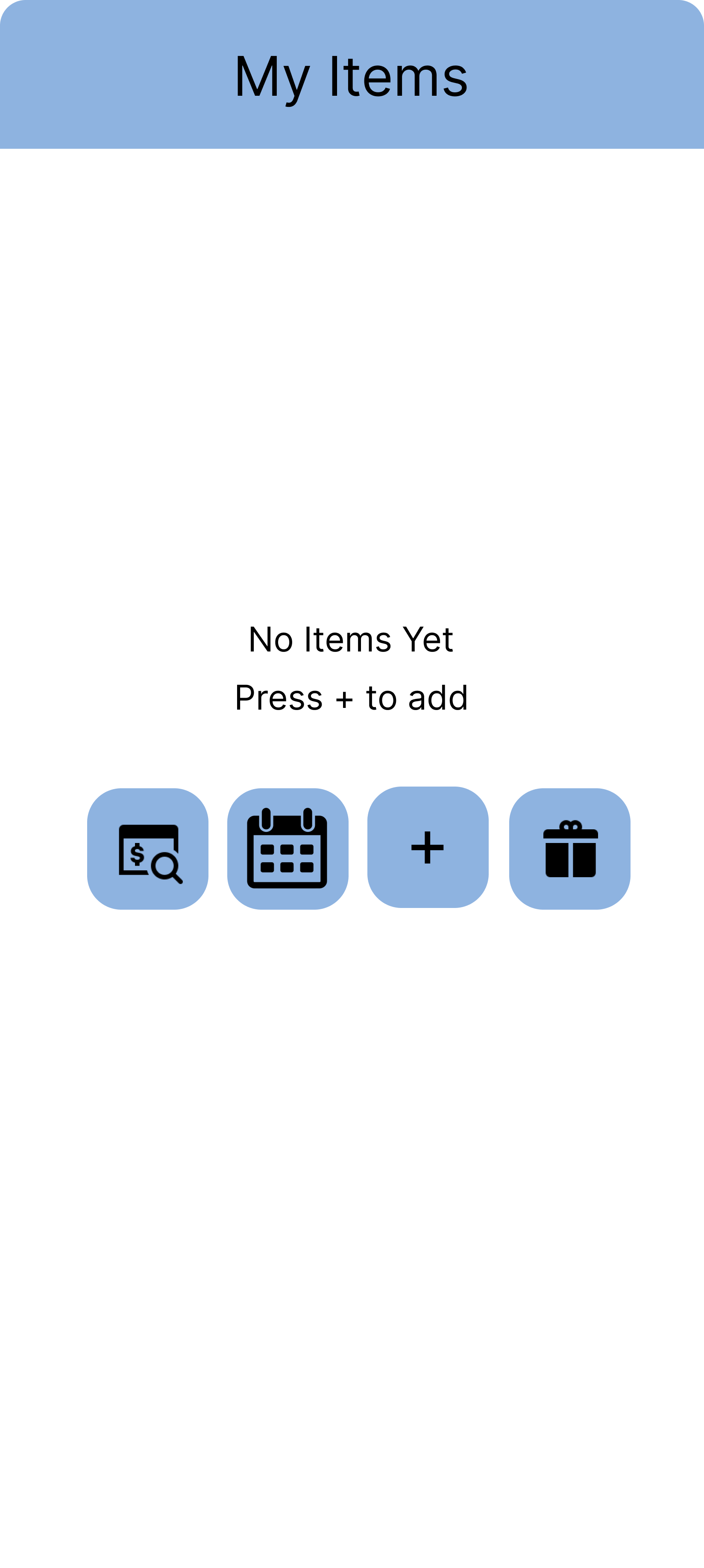
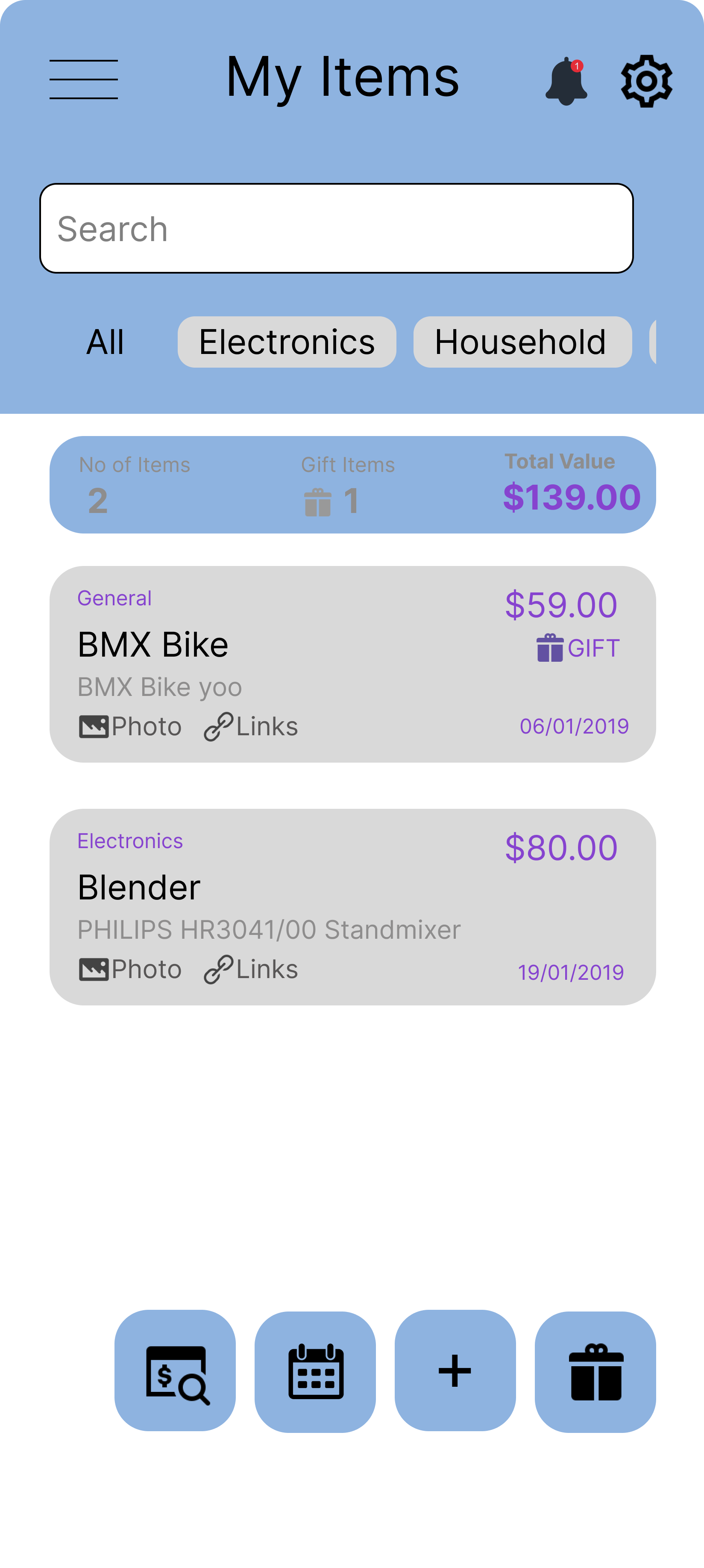
Search through existing products and save them instantly to your library. Keep track of everything in one place.

🎁

Smart Gift Management

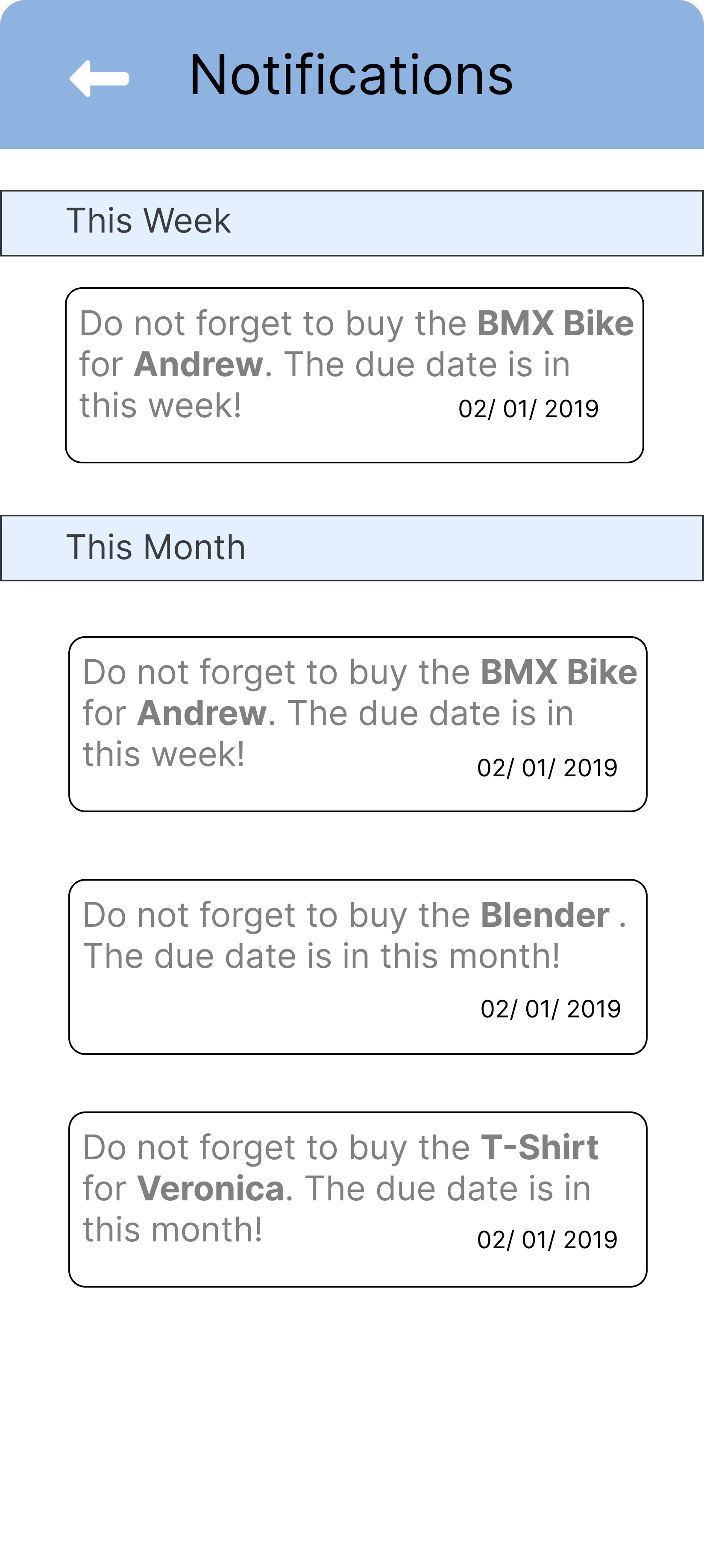
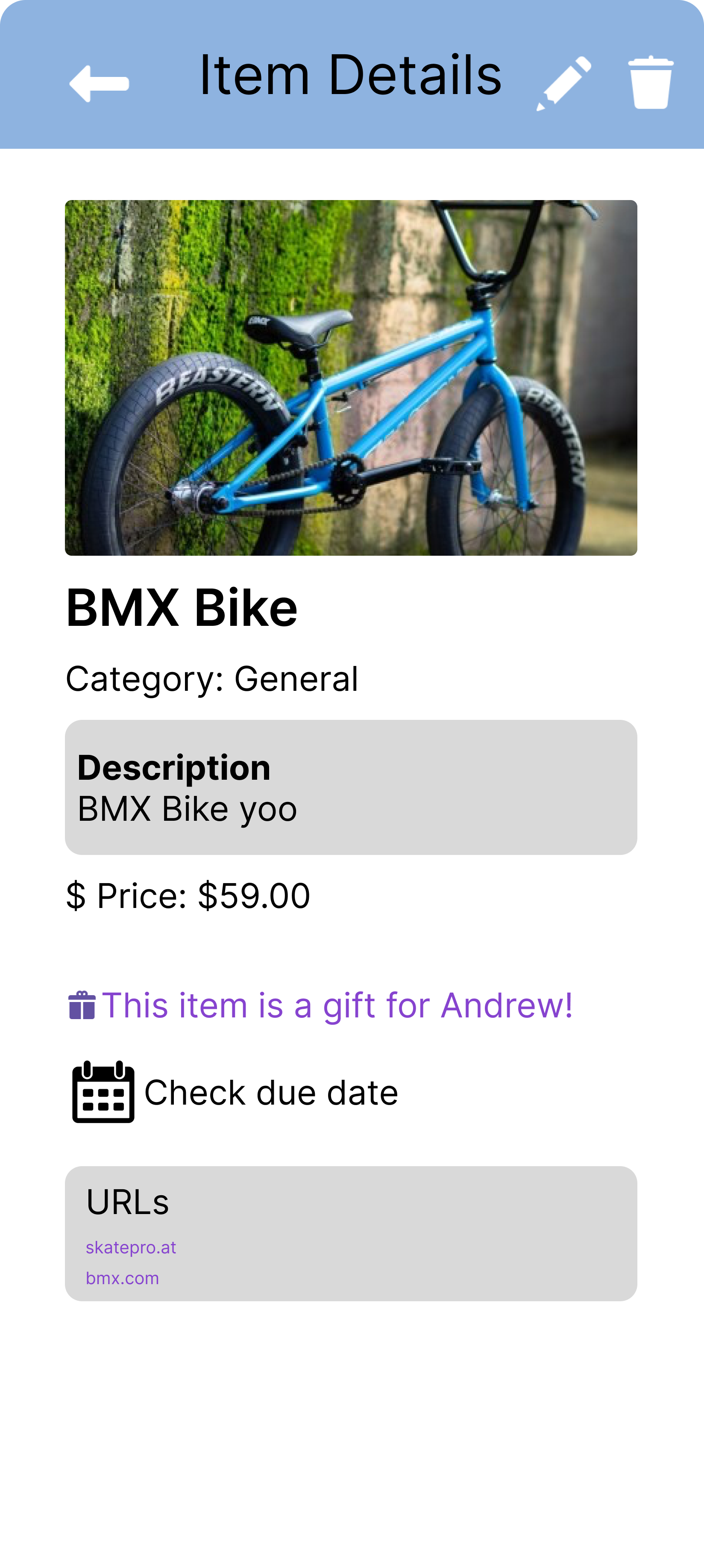
Mark items as gifts, assign them to specific people, and set due dates so you never miss a birthday or anniversary.

✏️

Manual Entry

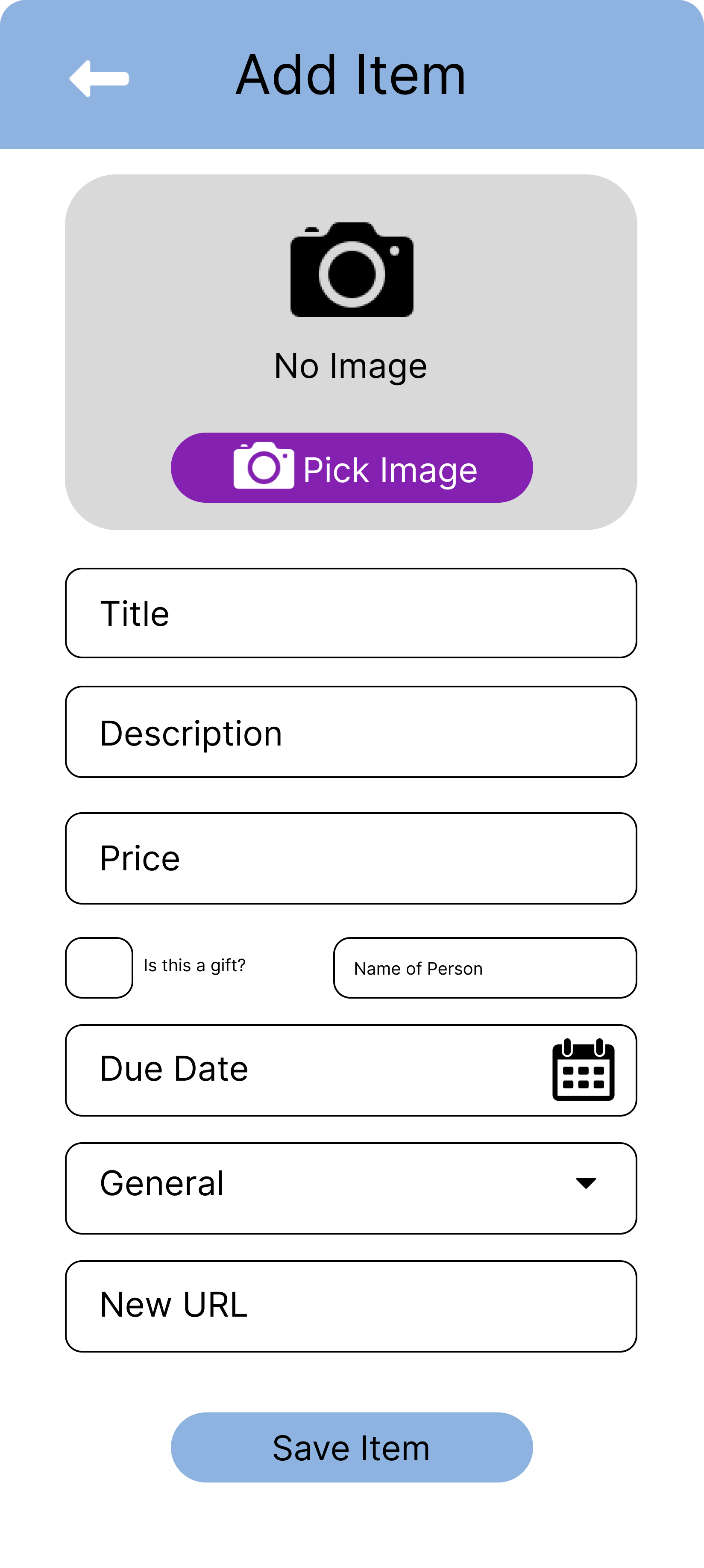
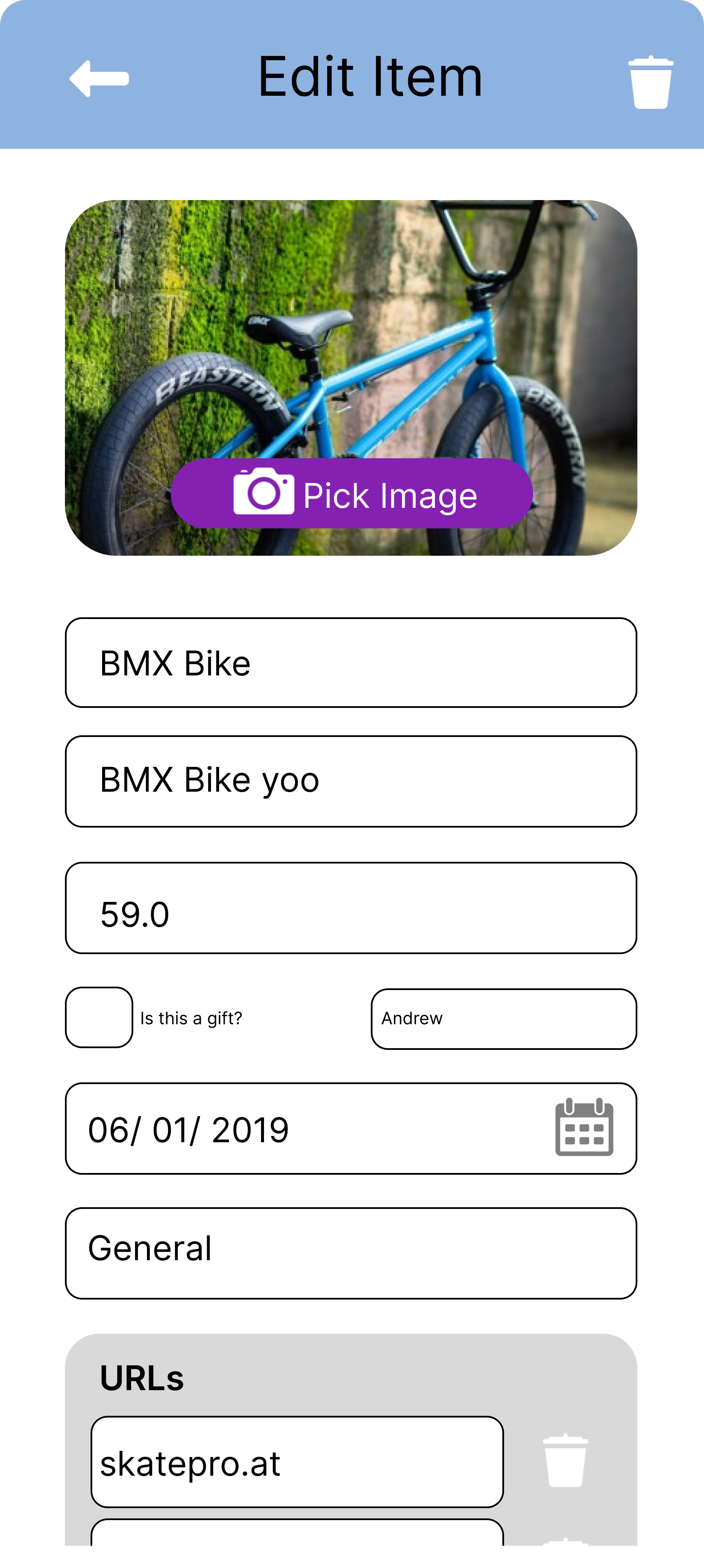
Can't find it in search? Manually add products, specify prices, upload images, set categories, and paste external URLs.

📅

Integrated Calendar

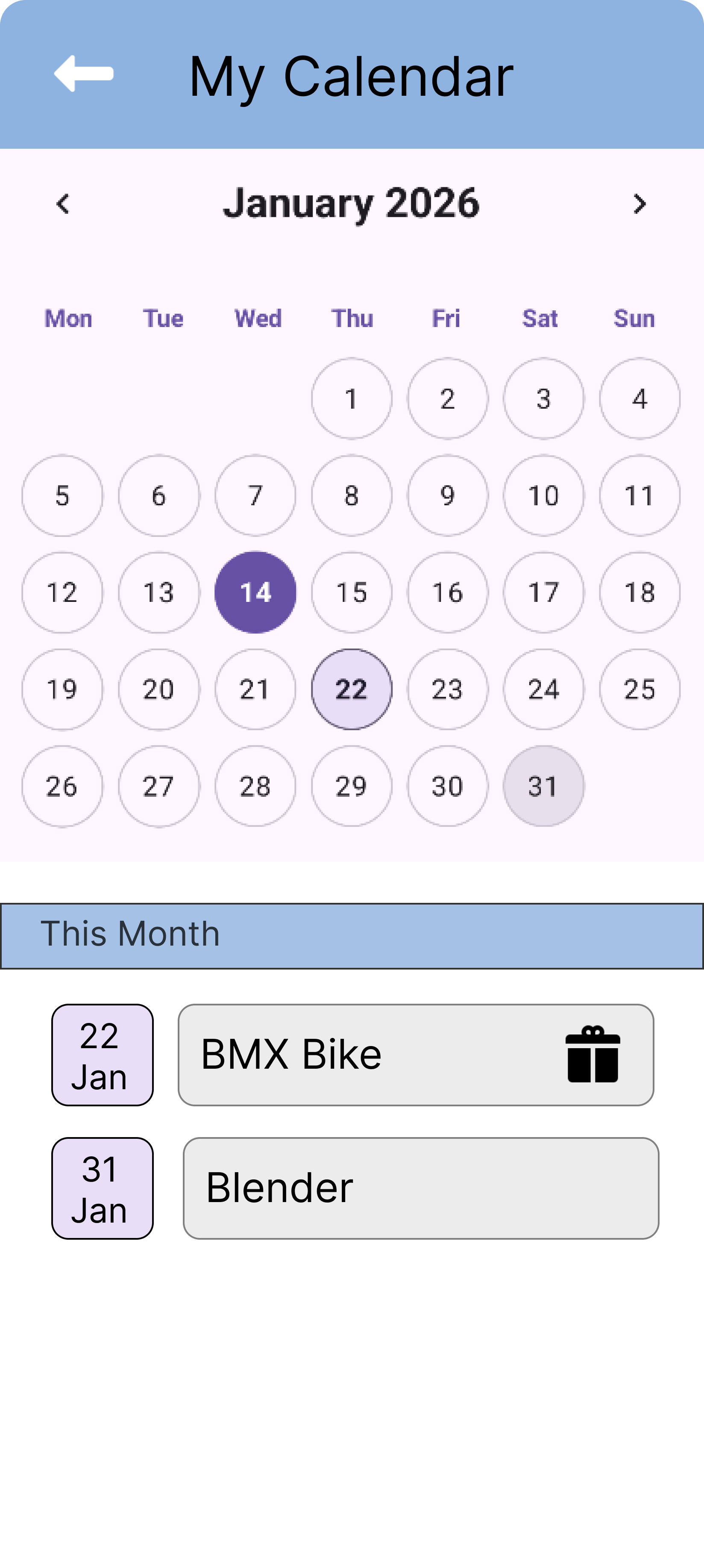
Visualise your shopping timeline. The calendar tells you exactly when the next gift for someone needs to be bought.

Filters & Organization

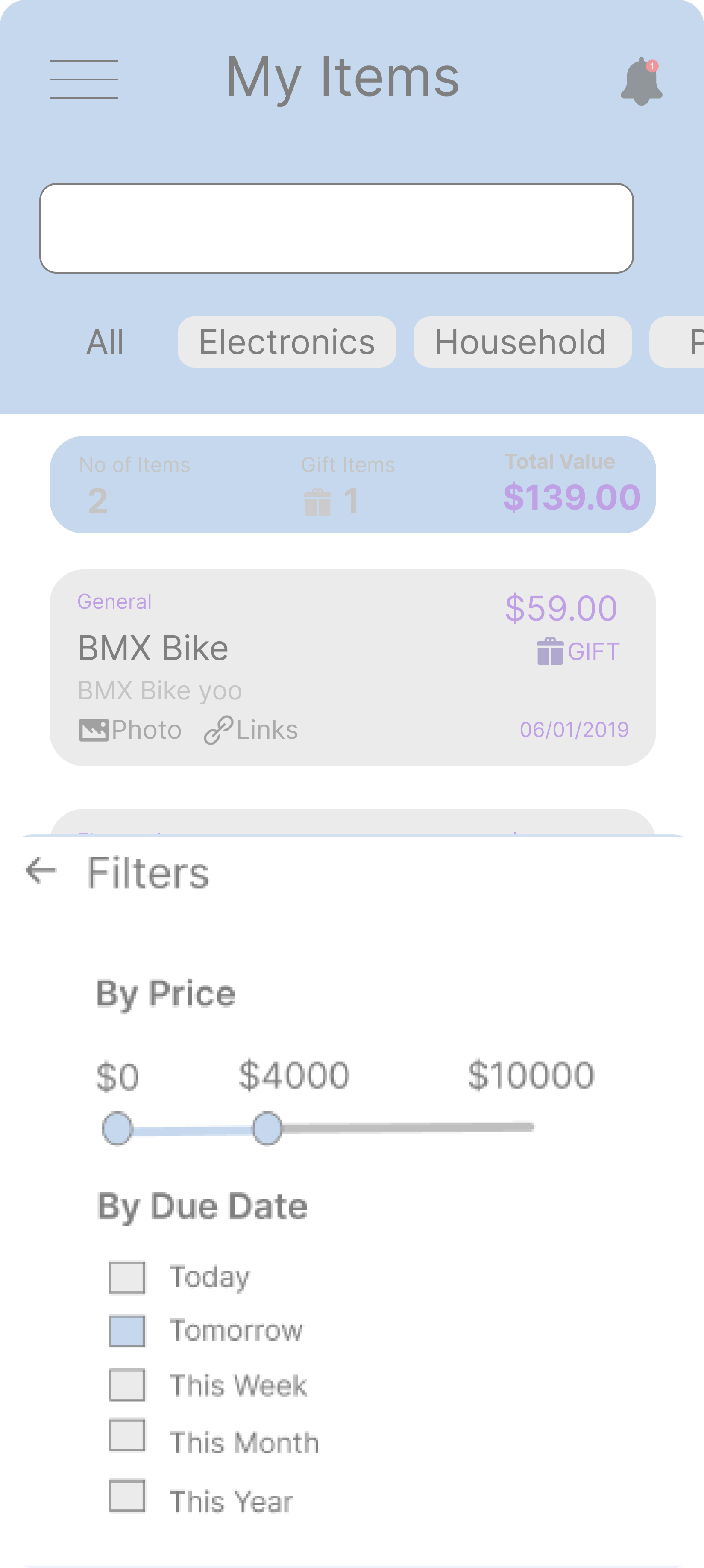
Never struggle to find an item. Use our robust filtering system to sort your library by category, price, or date.

🔒

Data Persistence

Built with Kotlin, your data is synced to the database. Close the app, restart your phone, your wishlist remains safe.

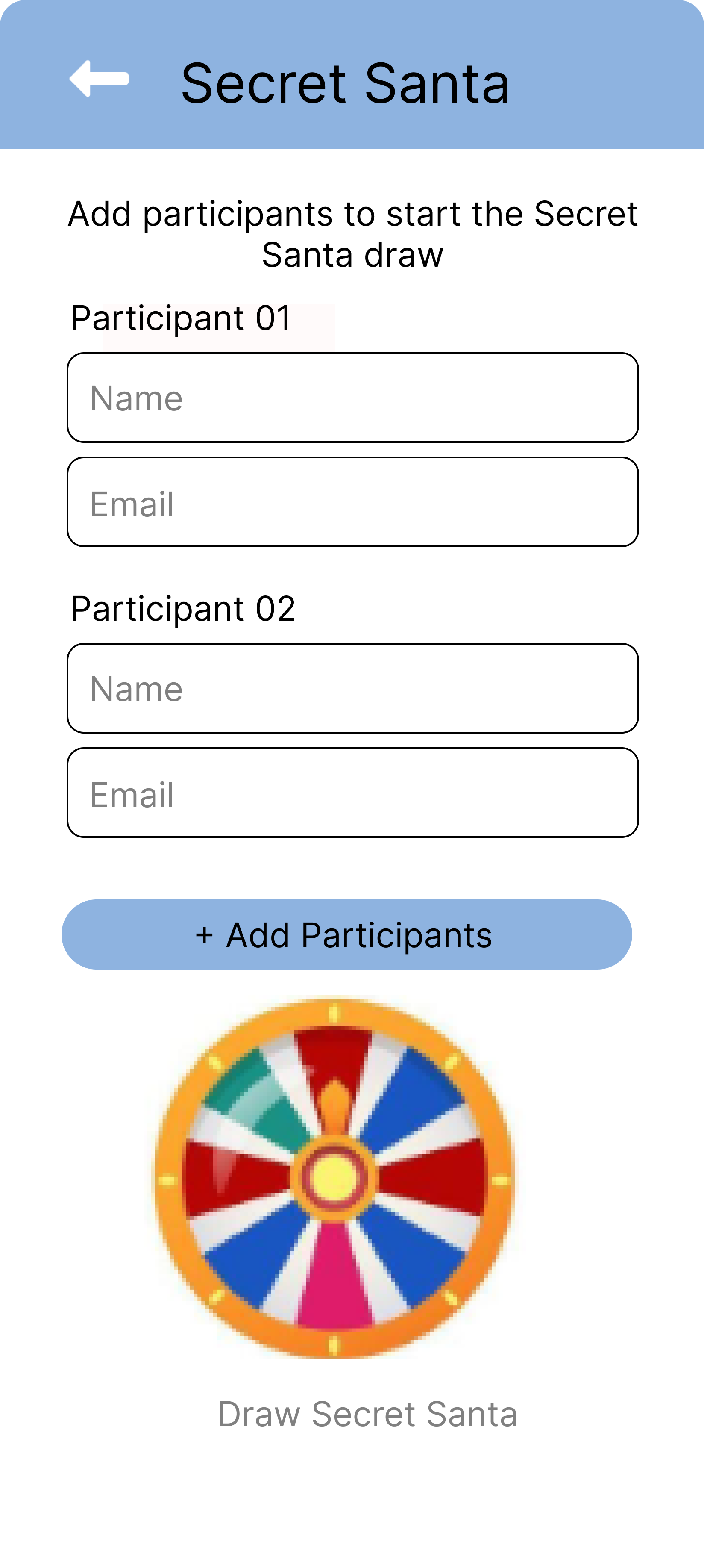
Bonus: Includes an improved Secret Santa System (Optional feature, not part of the official MVP)

The Team

The developers behind DreamCart.

PM

Paul-Adrian Moldovan

Developer
GM

Geethika Madasekara

Developer

Final Reflections

Team members share their journey, challenges, and insights on the DreamCart project.

PM
Paul-Adrian Moldovan
Contribution: Led the architecture design, implemented the core app functionality with Kotlin and Jetpack Compose, not including the Calendar and the filters section. I managed to build and handle the API integration for product searches. Lastly, I created some basic Figma frames, which were later improved by Geethika and performed user testing and analysis.

Challenges: The biggest challenge was building the api, hosting it to the cloud, then successfully integrating it with the app. Being able to fetch and display the picture within the app was quite a big struggle.

App vs Concept: The final app successfully meets our initial concept. We managed to implement all core features, like searching products, saving them to the wishlist, marking them within the calendar and building the right reminders to help you keep track.

Future Improvements: I'd love to use a public api, so we can fetch real products from different websites. Also, I would love to implement an integrated AI, so you can add a product by simply typing the url, then the AI fetches all the data for you.
GM
Geethika Madasekara
Contribution: Designed the complete UI/UX in Figma, created the design system, performed user testing and validation, and contributed to the database schema design and UI implementation in Compose.

Challenges: Translating our high-fidelity Figma designs to actual Compose code was tricky. We had to make some pragmatic adjustments for performance, but we maintained the visual integrity. Testing with real users revealed that some flows needed refinement.

App vs Concept: The app captures the essence of our concept beautifully. The interface is intuitive and clean as intended. The only thing we scaled back slightly was some advanced filtering options due to time constraints, but the MVP is solid.

Future Improvements: Adding dark mode would be great for late-night shoppers, implementing wishlist categories for organization, and perhaps a recommendation engine based on user preferences and browsing history.
Both
Team Reflection
Overall Experience: Working on DreamCart has been an incredible learning journey. We successfully bridged design and development, learned modern Android development practices, and built something we're genuinely proud of.

Key Takeaways: Communication between design and development was crucial. Starting with a solid Figma prototype saved us hours of back-and-forth. We also learned the importance of iterative testing and being flexible with our initial scope.

Final Words: DreamCart proves that with clear vision, good planning, and teamwork, you can build a polished, functional mobile app. We're excited to continue improving it and potentially publishing it to the Play Store!

Entity Relationship Diagram

Entity Relationship Diagram

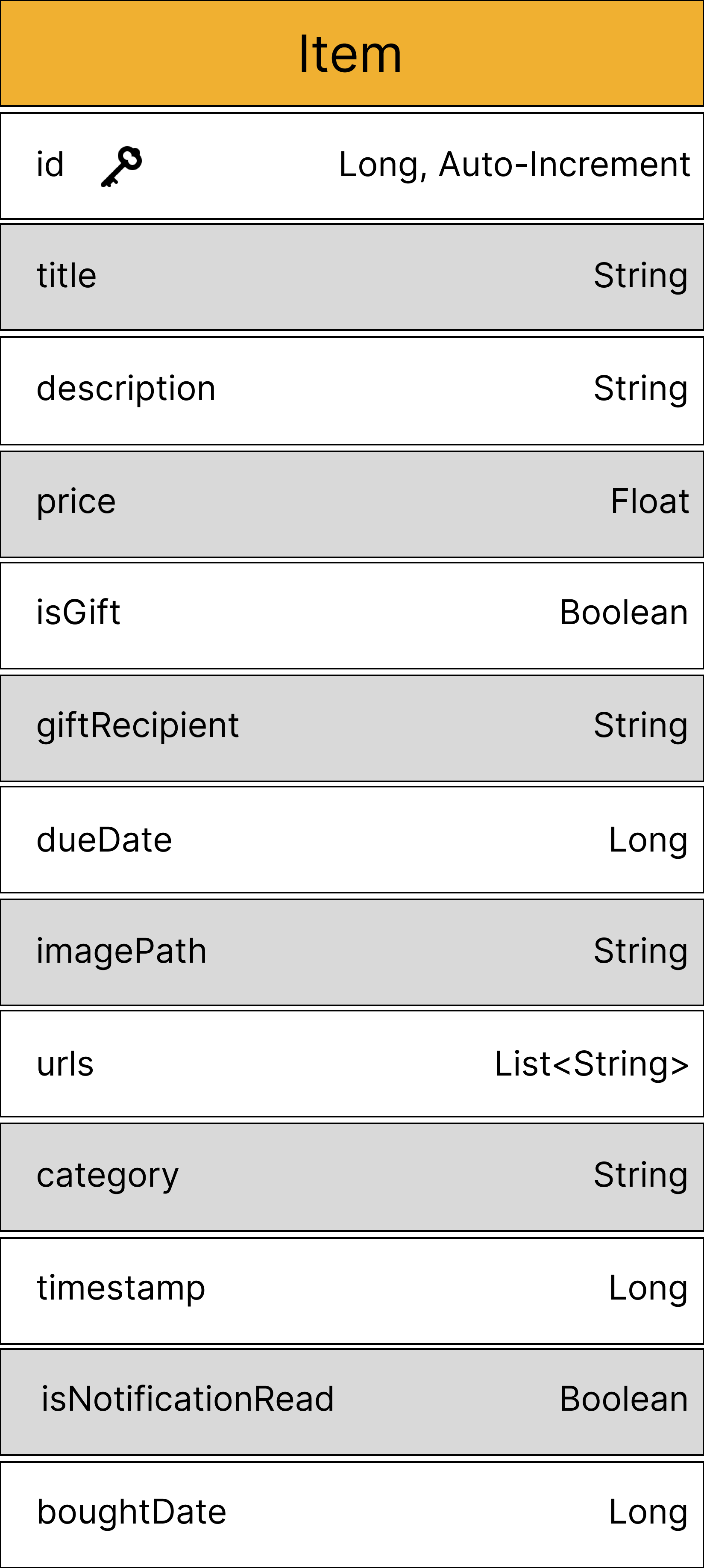
Item Database Table

The core entity of our application, storing comprehensive wishlist item information including:

  • Core Fields: ID, title, description, and price
  • Gift Management: Track whether an item is a gift and recipient details
  • Temporal Data: Due date, timestamp, and bought date
  • Media & Organization: Image path, URLs, and category classification
  • User Interaction: Notification read status for tracking updates

Testing & Research

Comprehensive usability testing to validate user experience and functionality.

Access the comprehensive user testing documentation below, which includes detailed analysis, participant insights, and complete findings from our usability research.

📥 Download Full Report

Pilot Test

3 Participants participated in an initial pilot test to validate our research instruments and gather preliminary feedback.

Based on their insights, we significantly improved the quality of our forms by enhancing task descriptions and providing more specific instructions, ensuring clarity and better user experience for the main study.

Research Question

Can users successfully and efficiently use the DreamCart app to add, manage, and track wishlist items and due dates, and do they perceive the app as usable and helpful for organizing planned purchases?

Test Overview

8 Participants

In-person observation sessions, no counterbalancing

Methods

  • ✓ Direct observation
  • ✓ Task-based testing
  • ✓ SEQ questionnaire
  • ✓ SUS scoring

Performance Metrics

100%

Task Completion

% of successful completions

2-3

Number of Errors

Per testing session

5.72

Perceived Difficulty

SEQ: 1 (Hard) - 7 (Easy)

80.31

System Usability

Average SUS score: 0-100

Participant Demographics

Age Group
  • • 50% were 18-24
  • • 25% were 25-31
  • • 25% were 32-38
Gender
  • • 62.5% were Male
  • • 37.5% were Female
Highest completed level of education
  • • 50% Secondary / High School
  • • 25% Bachelor's degree
  • • 12.5% Vocational training
  • • 12.5% Master's degree
Field of work or study
  • • 50% Information Technology
  • • 50% Other
Mobile App Usage
  • • 87.5% Several times a day
  • • 12.5% About once a day
Wishlist App Experience
  • • 62.5% Never used
  • • 12.5% Used occasionally
  • • 12.5% Used a few times
  • • 12.5% Not sure / Don't remember
Digital Skills

Scale: 1 (Lowest) - 5 (Highest)

  • • 25% rated as 3
  • • 50% rated as 4
  • • 25% rated as 5

10 Core Test Tasks

Task 1: Manual Item Addition

Add item with picture for friend's birthday gift

Task 2: Product Shop Browse

Browse product shop and add desired item to wishlist

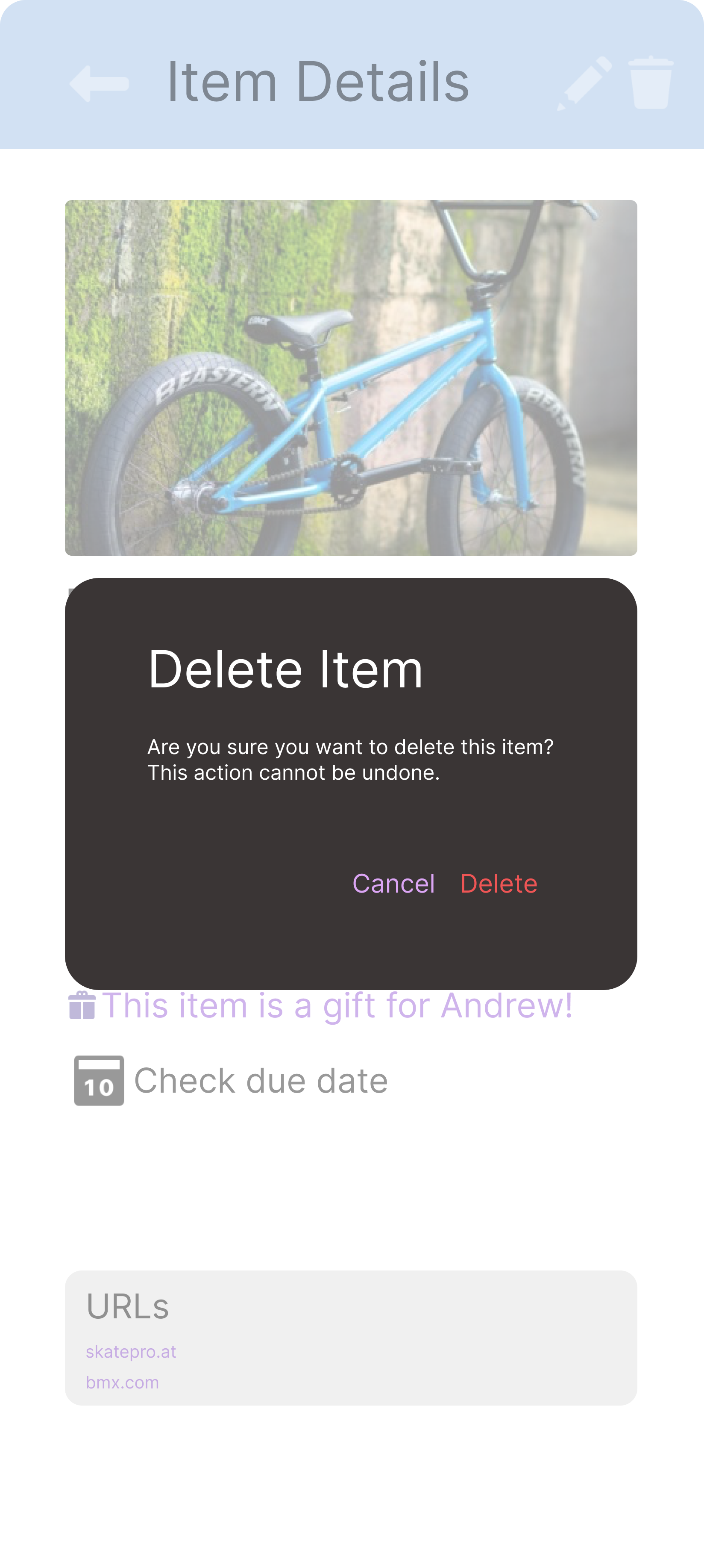
Task 3: Edit & Delete Items

Modify or remove an unwanted item

Task 4: Category Filter

Filter items by category (Electronics)

Task 5: Date Filter

Filter items for upcoming week

Task 6: Light Mode

Switch to light mode theme

Task 7: Notifications

Check notifications screen and mark a product as bought

Task 8: Undo Action

Check history notifications and undo the previous purchase

Task 9: Monthly View

Check schedule for current & next month

Task 10: Calendar Details

View product details on due dates

Nielsen's 10 Usability Heuristics

Heuristic Where Applied Frequency Impact
Visibility of System Status Product Item Screen 0 0
Match between System and Real World Shop Detail Screen (Importing products) 2 2
User Control and Freedom Main Screen Stats Icon 1 1
Consistency and Standards Main Screen and Product Shop Screen 1 1
Error Prevention Filters (Main + Product Shop Screens) 2 1
Recognition rather than Recall Notifications + History Screen 3 2
Flexibility and Efficiency of Use Product Item Screen + Notifications + History Screen 2 0
Aesthetic and Minimalist Design History + Notification Screens 4 2
Help Users Recognize, Diagnose and Recover from Errors Main Screen 2 1
Help and Documentation Main Screen 1 3

Collaboration: Both Paul and Geethika worked together to identify the usability problems throughout the DreamCart application and collaboratively agreed on adding them to the heuristics table above.

Ready to organize your shopping?

Download DreamCart today and stop juggling browser tabs.

Quick Links

📄 Project Repository

https://git.nwt.fhstp.ac.at/cc241003/ccl3-ws2025

📁 GitLab Code Source

https://ccl3-ws2025-3dd375.pages.nwt.fhstp.ac.at

📁 GitLab Pages Source

https://git.nwt.fhstp.ac.at/cc241003/ccl3-ws2025/-/tree/master/public

🎨 Figma Prototype

View Figma Design System

Agradecimentos

Aqui, gostaríamos de agradecer ao Victor, e ao outro Victor por sempre nos ajudarem com as informações que precisávamos. Nós nos divertimos desenvolvendo nosso App Mobile e ficamos muito felizes em fazer parte do Creative Code Lab 3!!!